A simple & fast RAW photo editor
Designed from the ground up for Linux, but also available for Windows and macOS.
Free & open source · Linux, Windows and macOS
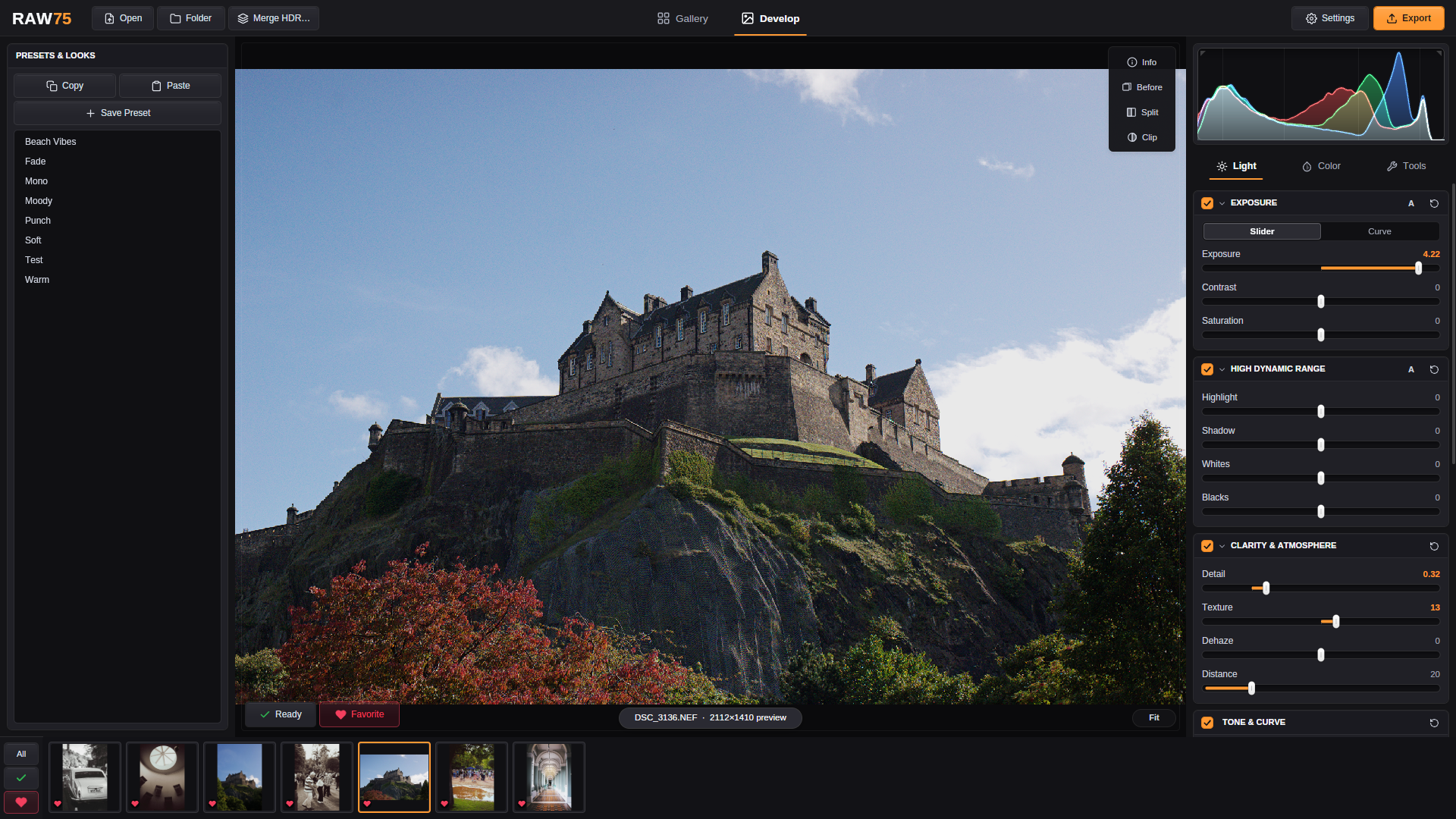
Why it exists
I moved to Linux a few years ago and ended up editing in darktable. It's a great editor, but the lag adds up: you move a slider, wait, move it back, wait again. Dialing in a look should be the fun part.
RAW75 decodes the RAW file once with LibRaw and does the rest on the GPU, so the photo changes while you drag. What you see is what gets exported.
Gallery
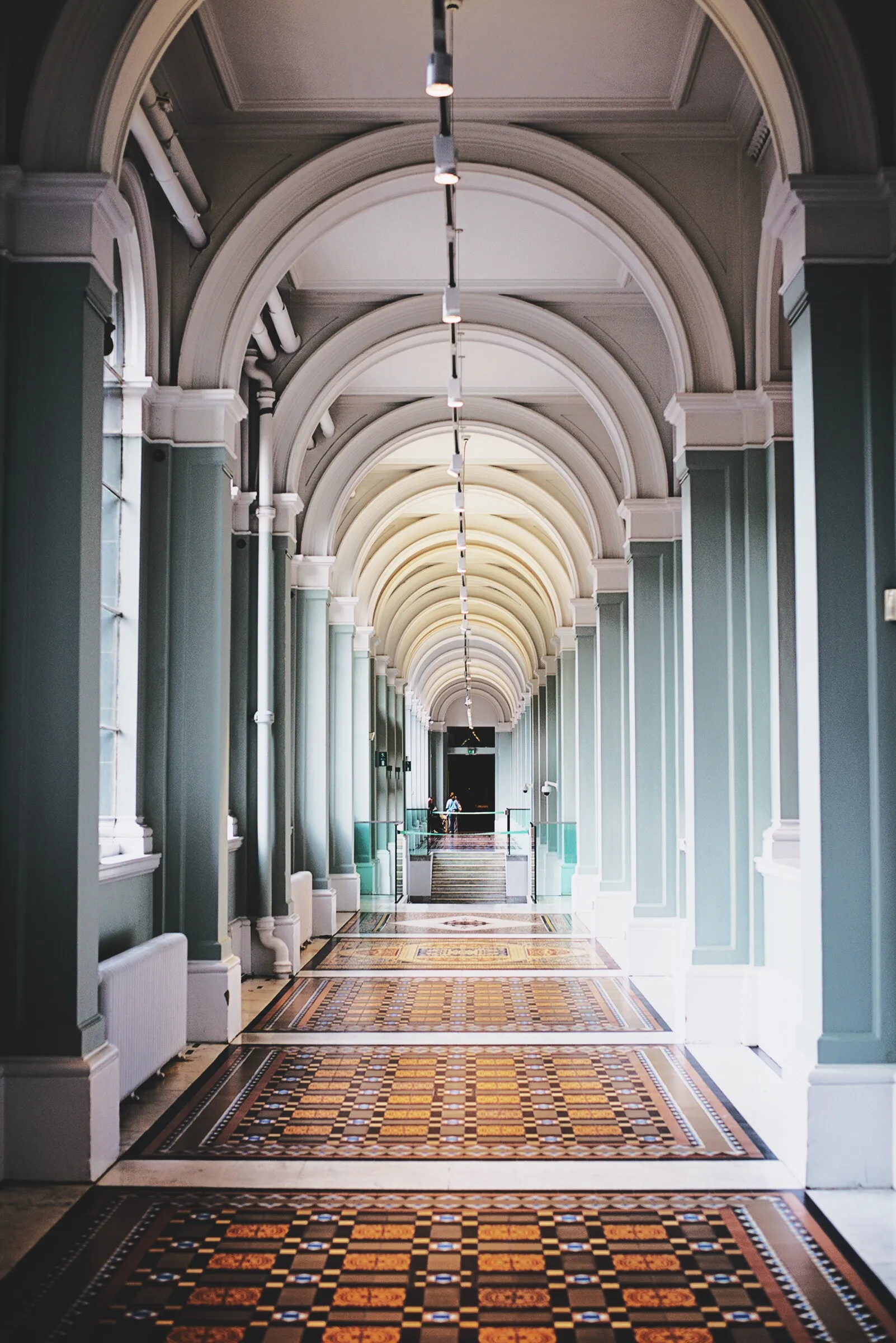
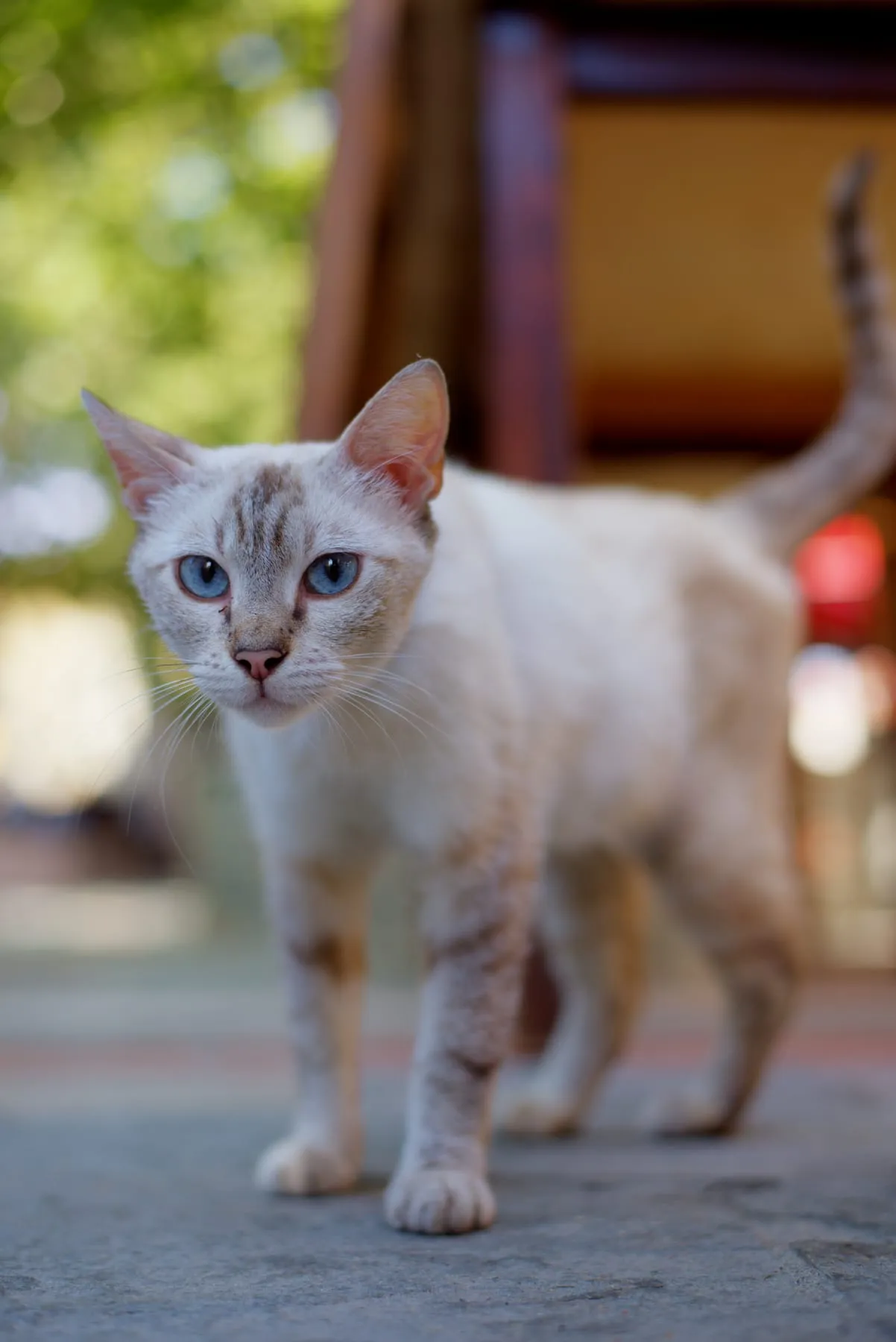
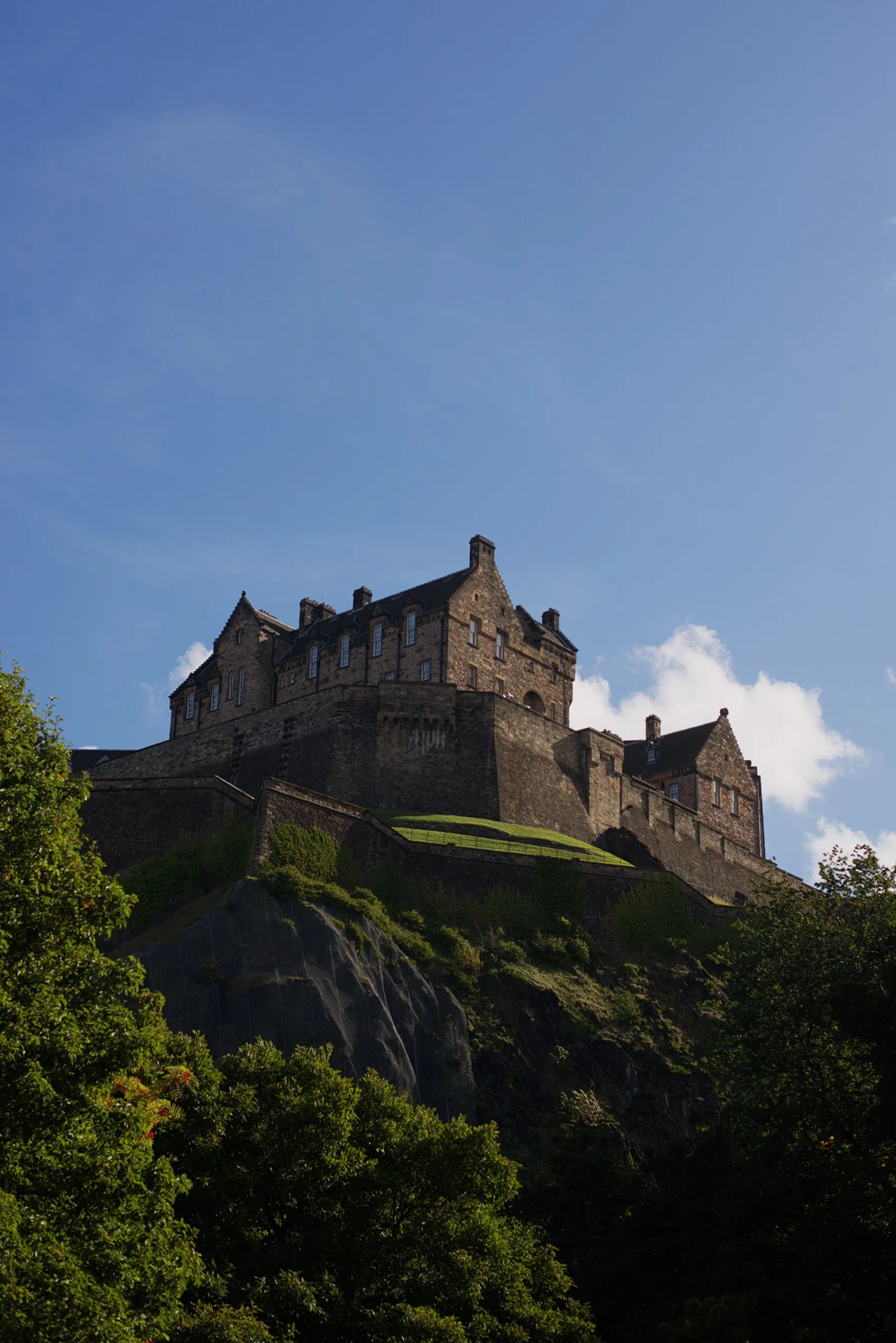
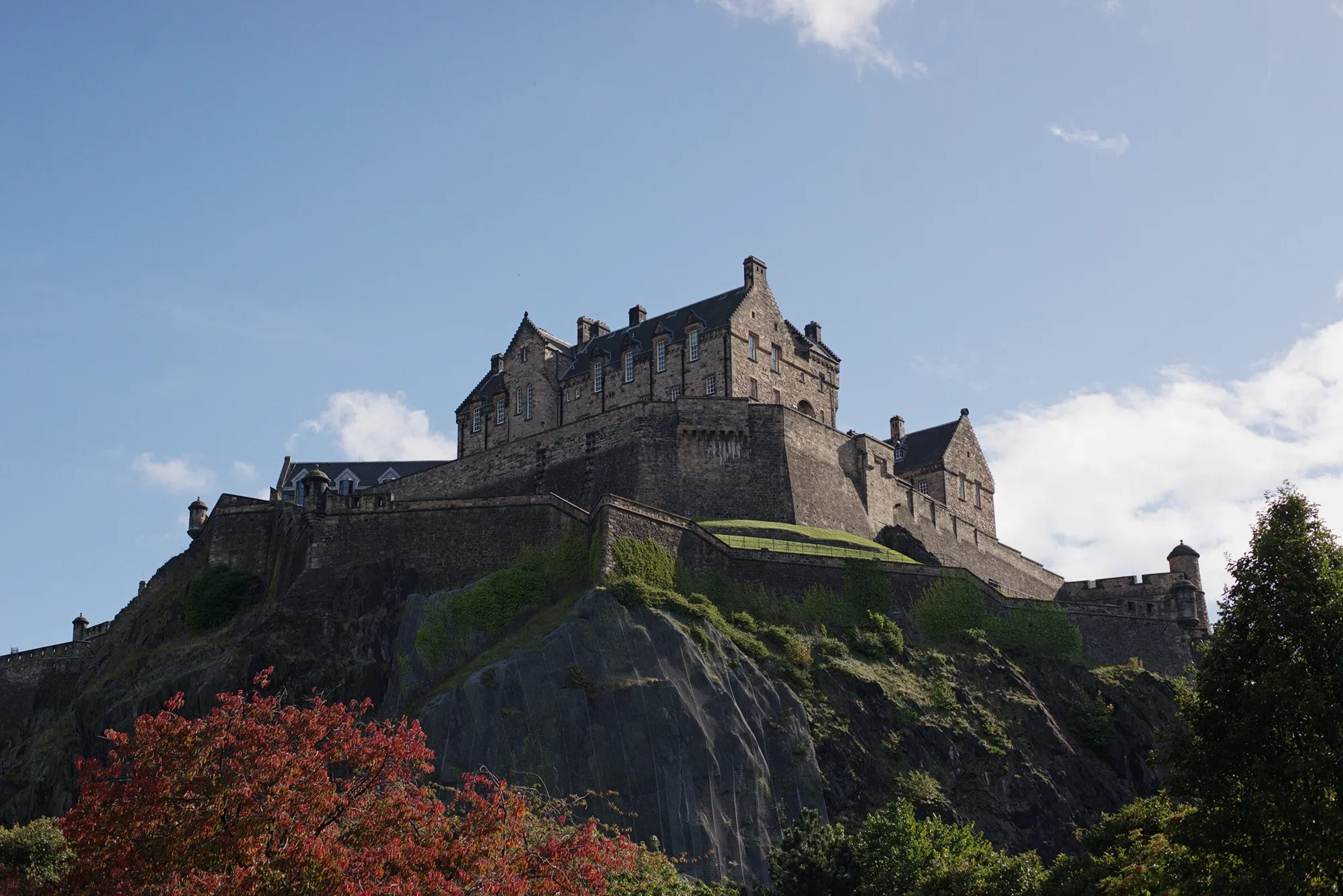
Photos edited in RAW75. Click one to see it larger.
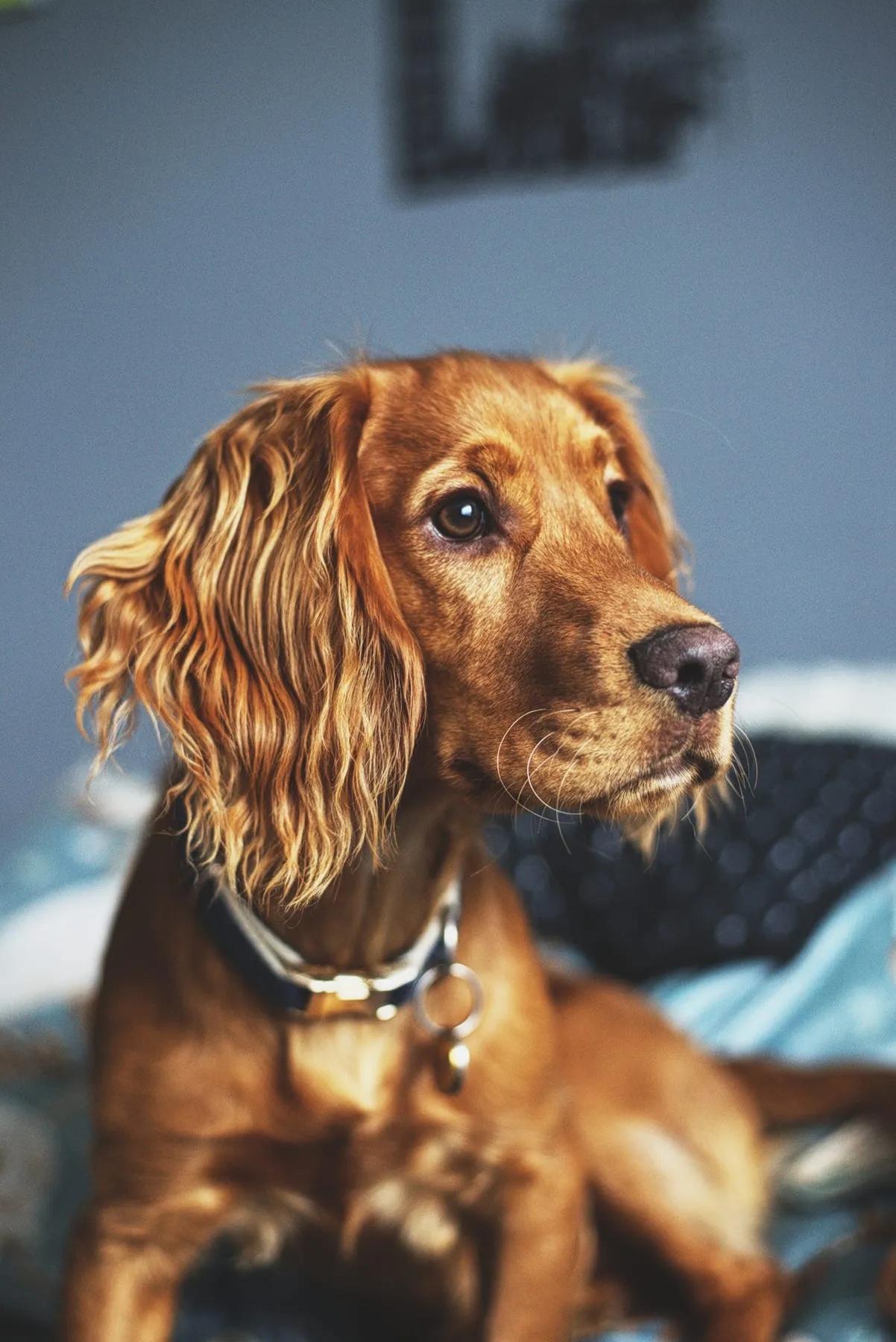
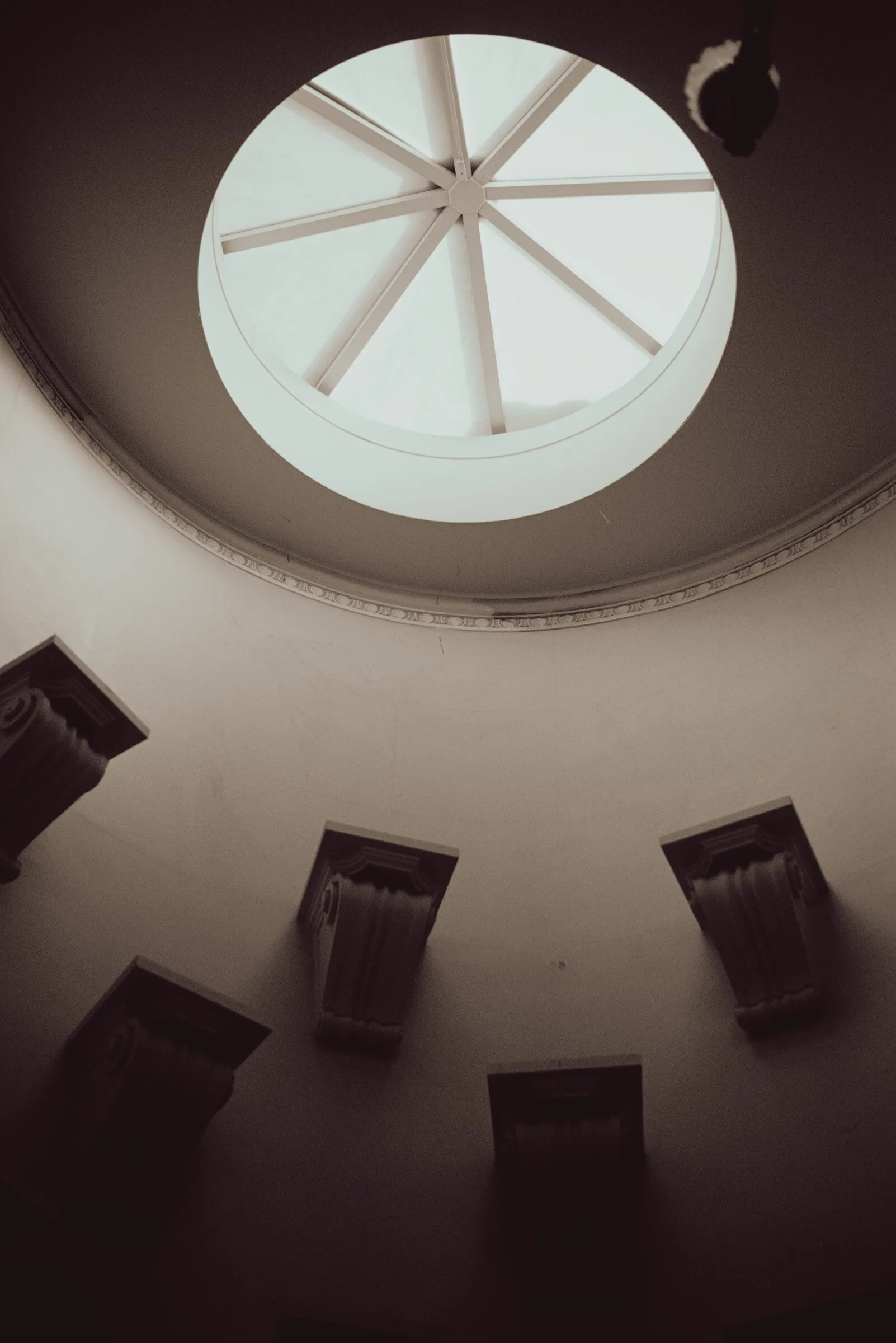
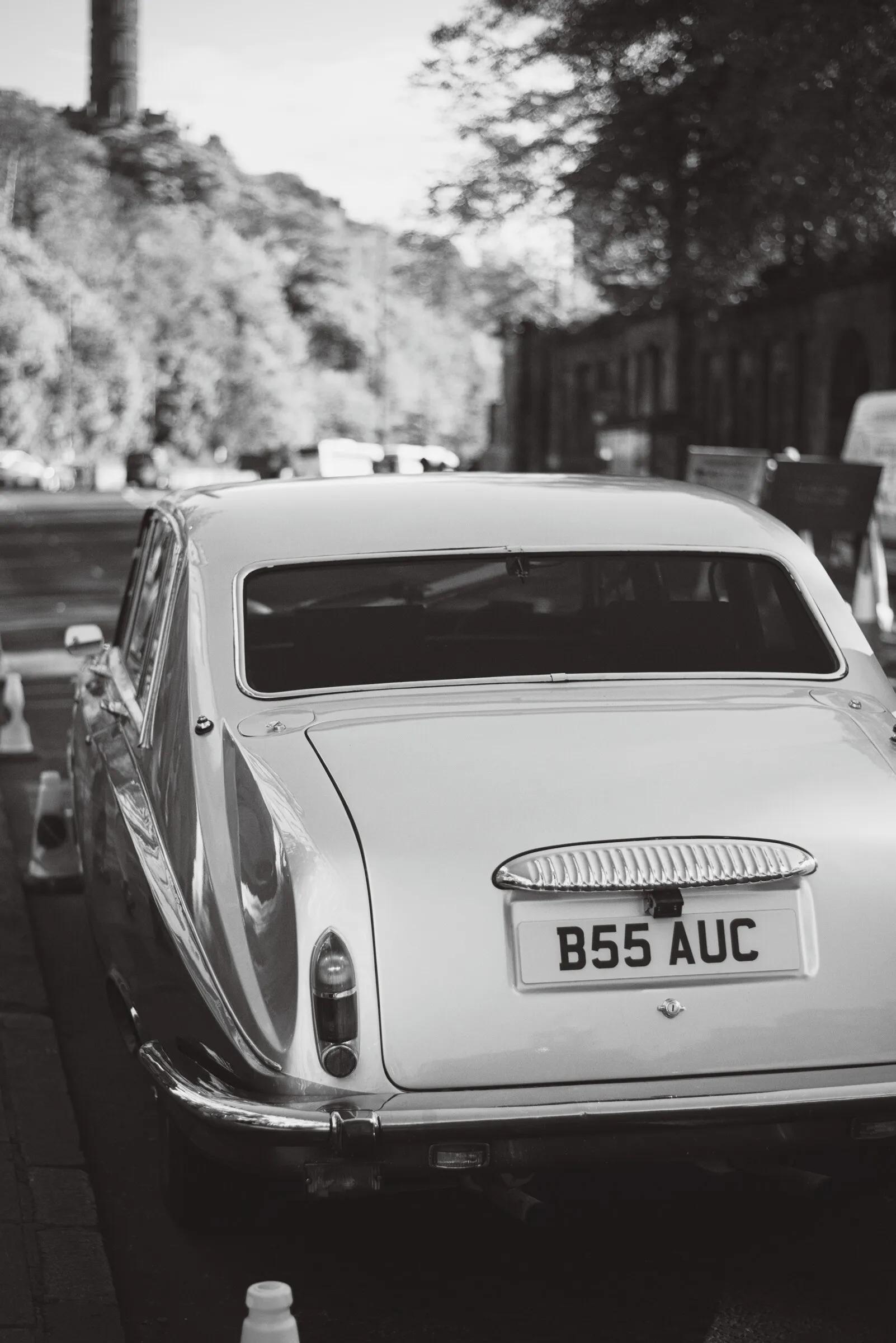
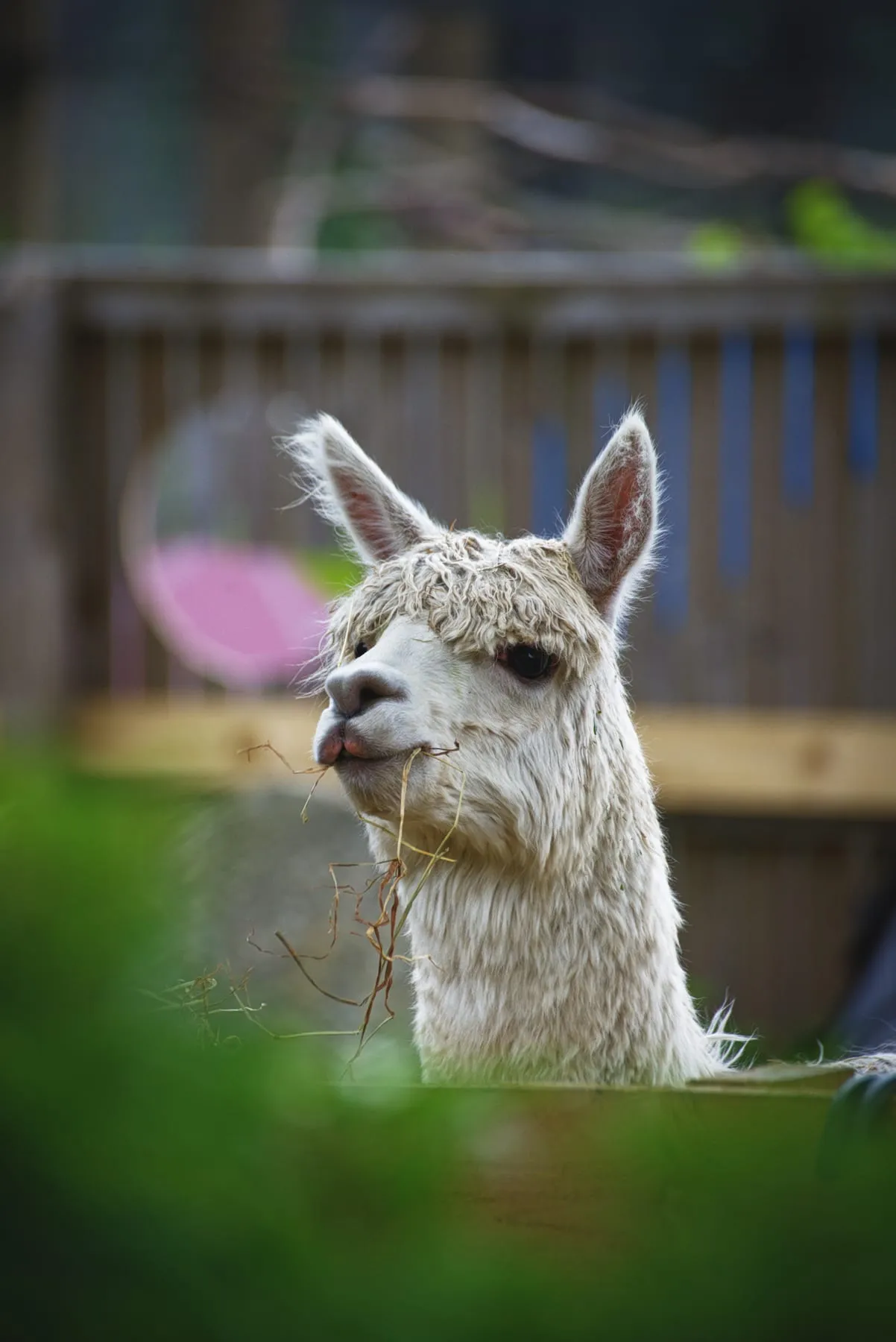
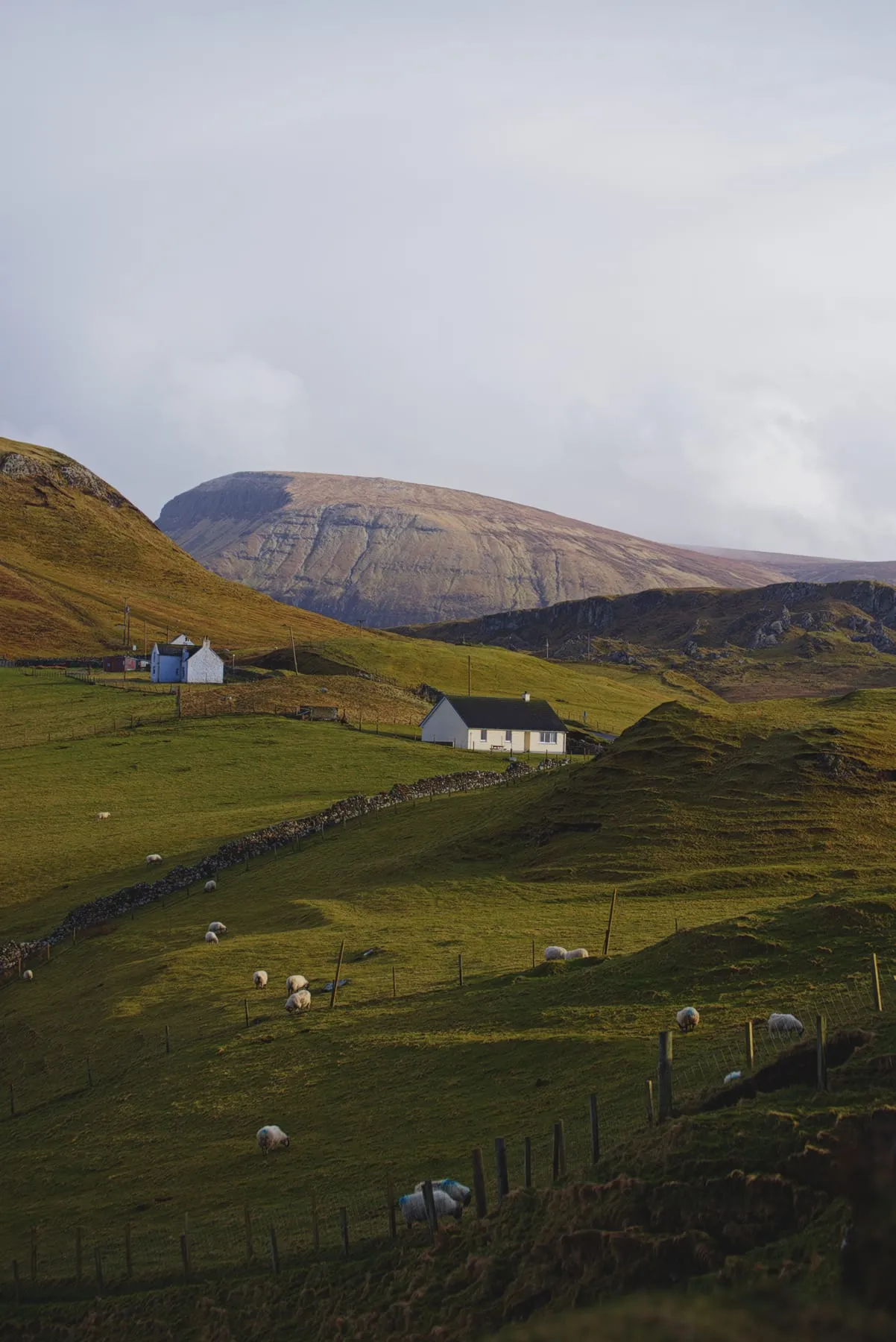
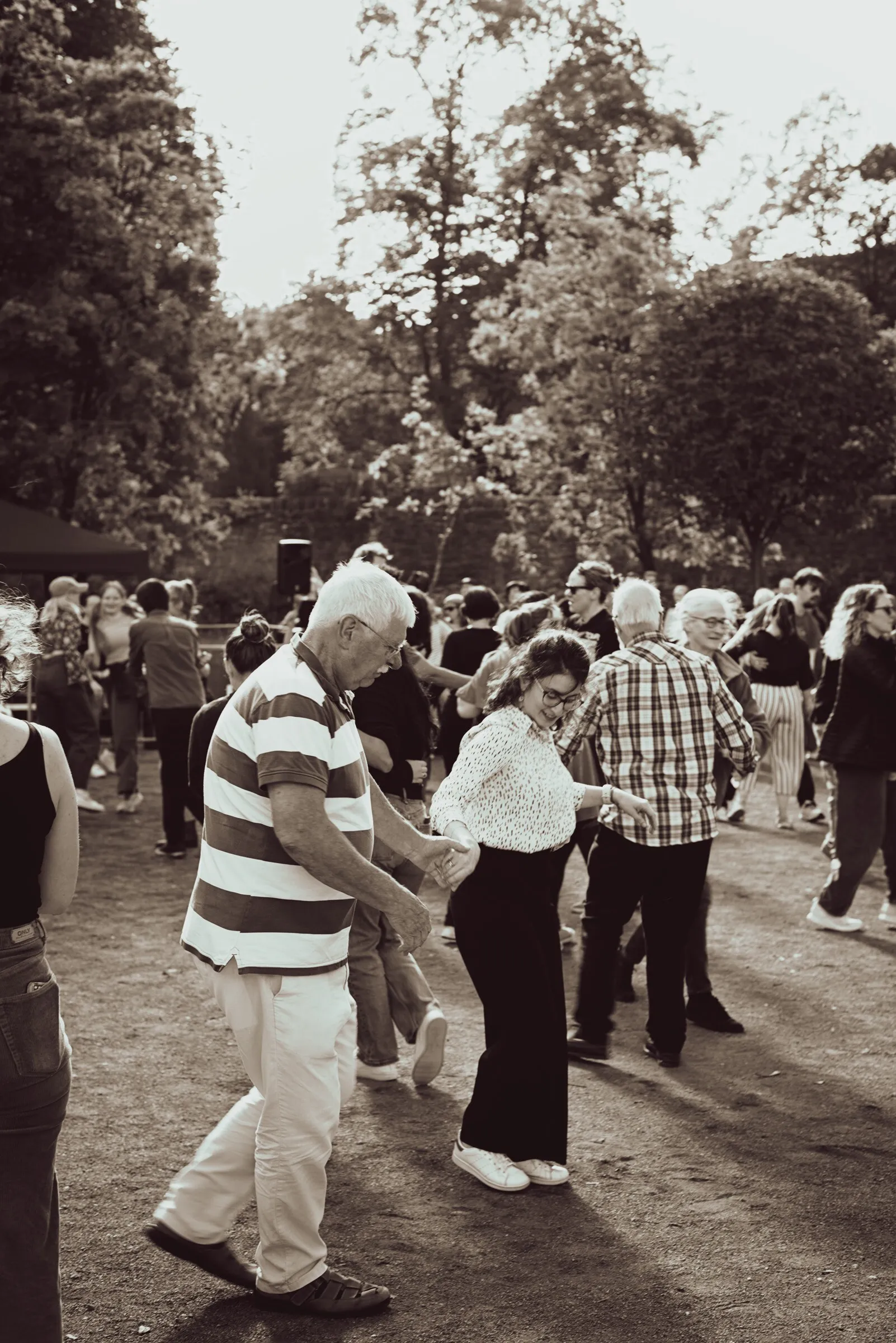
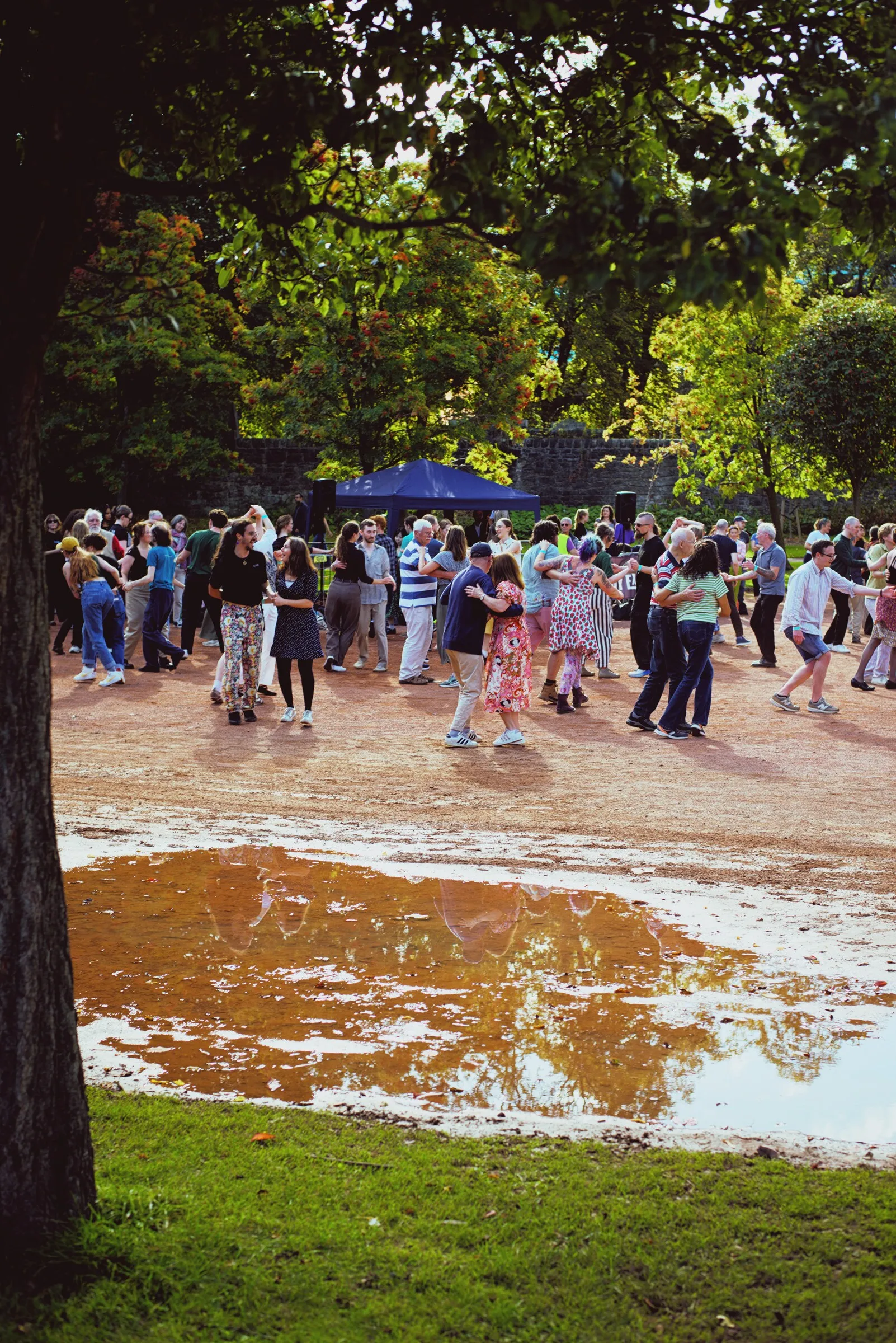
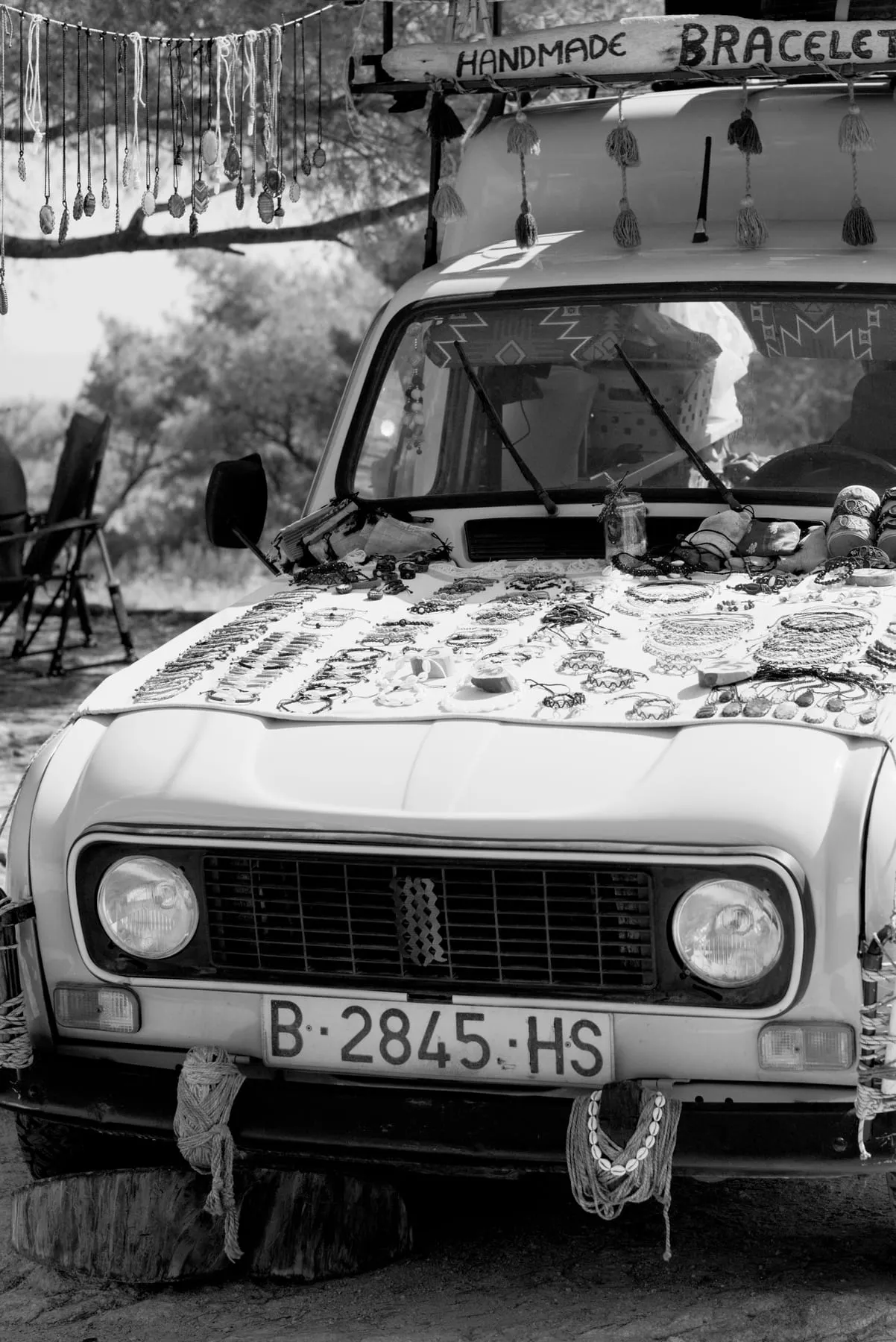
What's in it
Light
- Exposure, as a slider or a curve
- Contrast, highlights, shadows, whites, blacks
- Detail, texture and dehaze
- Tone curve
- Highlight reconstruction
Color
- White balance
- Hue, saturation and lightness per color
- Vibrance
- Color grading wheels
Tools
- Crop, straighten, rotate
- Sharpening and noise reduction
- Spot removal
- Vignette
Workflow
- Open a folder, edits save as you go
- Ready and favorite marks
- Presets, copy and paste
- HDR merge
- Batch export
Opens most camera RAW files through LibRaw (NEF, CR2, CR3, ARW, RAF, ORF, RW2, PEF, SRW, DNG and more), plus JPEG, PNG, TIFF and WebP. Exports JPEG, PNG, WebP, TIFF with EXIF kept. All features
FAQ
Something else? Ask on GitHub.
Is RAW75 free?
Yes. RAW75 is free and open source under the GNU AGPL v3. There is no subscription, account or watermark.
Which operating systems does RAW75 run on?
Linux (x64), Windows 10 and 11 (x64), and macOS on both Apple silicon and Intel. It was designed on Linux first.
Which RAW formats can it open?
RAW75 decodes RAW files with LibRaw, so it opens Nikon NEF, Canon CR2 and CR3, Sony ARW, Fujifilm RAF, Olympus ORF, Panasonic RW2, Pentax PEF, Samsung SRW, DNG and most other RAW formats LibRaw supports. It also opens JPEG, PNG, TIFF and WebP.
Is RAW75 a Lightroom alternative?
For editing single RAW photos and small sets, yes: exposure, tone, color, curves, HDR merge, presets and batch export. It does not have Lightroom's cloud sync, catalog keywords or maps.
Why does macOS say RAW75 can't be opened?
RAW75 isn't signed with an Apple Developer ID yet, so Gatekeeper blocks the first launch. Allow it once in System Settings › Privacy & Security › Open Anyway, or clear the download quarantine with one Terminal command. The download page has the steps.
Does RAW75 use generative AI?
No. RAW75 does not generate or invent image content. It is a tool for photographers, not a replacement for them.
Does it need a powerful GPU?
No. Any GPU with OpenGL 3.2 or OpenGL ES 2.0 or later works, including integrated graphics. A faster GPU just makes large photos even smoother.